
Is the Knowledge Test Different on Computer? Complete BMV/DMV Guide to Digital vs Paper Testing
🎓 Is the knowledge test different on computer vs paper? Compare BMV/DMV digital testing format, scoring, time limits, and prep tips to pass on the first try.

If you are about to take your permit or driver exam, one of the most common questions applicants ask the clerk is the knowledge test different on computer compared to the old paper booklet most parents took decades ago. The short answer is yes and no: the question pool, scoring threshold, and legal content tested are essentially identical, but the delivery format, pacing, and even the way you mark answers have changed in ways that surprise first-time test takers. Understanding those differences before you walk into the BMV can shave weeks off your prep timeline.
Across the United States, nearly every state agency, whether it is called the BMV, DMV, MVA, or DPS, has moved its standard learner permit knowledge exam onto a touchscreen kiosk or desktop terminal. Paper tests still exist for specific accommodations, such as for applicants with documented disabilities or for certain commercial endorsements at smaller branches, but the default experience for a 16-year-old in Ohio or a new resident in Florida is now fully digital. That shift matters because the user interface, not just the questions, affects your score.
The biggest functional change is feedback. On a computer-based knowledge test, many states show you whether each answer was right or wrong immediately after you tap it, and the test ends the moment you have either passed or failed mathematically. That is called adaptive termination, and it means you do not always finish all 40 questions. A paper test, by contrast, requires you to complete the entire booklet, hand it to a clerk, and wait while they hand-grade it with a plastic overlay. Digital is faster but psychologically heavier.
Another underrated difference is navigation. Paper lets you skip a hard question, answer the easy ones, and come back. Most computer kiosks lock your answer the moment you confirm it, with no review screen at the end. That means you cannot strategically defer the toughest road sign or right-of-way item. You have to commit. For visual learners who rely on flipping pages, that single design choice changes the entire test-taking strategy and is the reason so many strong students fail their first attempt.
Computer testing also introduces accessibility features that paper never had. You can usually adjust font size, request audio narration in English or Spanish, and in many states choose from 20+ languages including Mandarin, Arabic, Vietnamese, and Russian. The screen reader reads each question and each option aloud through provided headphones, which is enormously helpful for English learners and applicants with dyslexia. None of that is possible on a static paper exam, which is one reason states accelerated the transition during and after 2020.
Finally, the social dynamics differ. Paper tests were often taken in a quiet room with a proctor pacing the aisle. Computer tests happen at a public kiosk on the floor of a busy branch, sometimes within earshot of other applicants finishing their BMV appointment. There is no proctor watching, but there are cameras, glare from fluorescent lights, and the constant background hum of a service counter. Knowing what to expect environmentally is half the battle, and the rest of this guide walks through every meaningful difference in detail.
By the end of this article you will know exactly which test version your state uses, how scoring works under each format, what tools and accommodations are available, and the practice strategies that translate best from study materials to the touchscreen. We will also cover the small but real risks unique to computer testing, including kiosk freezes, accidental double-taps, and time-out warnings that can derail an otherwise prepared candidate.
Computer Knowledge Test by the Numbers
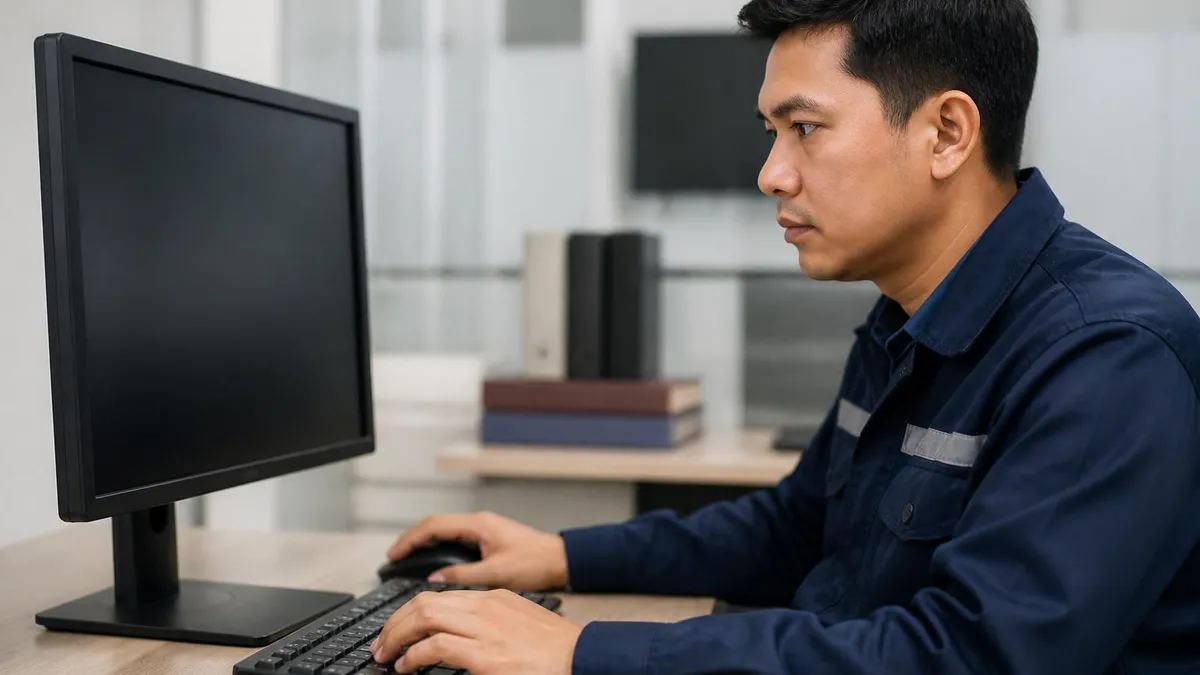
Computer vs Paper: Key Format Differences
Modern BMV kiosks use 19-inch touchscreens with large tap targets. You select answers with your finger rather than filling in bubbles. Most kiosks have anti-glare coating, but screen sensitivity varies, so confirm each tap registers before advancing.
The computer ends your test the moment you have mathematically passed or failed. If you get the first 32 of 40 correct, you are done immediately. Paper tests always require completing every question regardless of your running score.
Many state systems show a green check or red X after every answer. This is helpful for learning but can shake confidence mid-exam. Some applicants prefer the suspense of paper grading because mistakes do not accumulate visibly.
Computer kiosks lock answers once confirmed and do not allow review. You must commit to each response. Paper tests let you skip difficult questions, finish easy ones first, and return with fresh eyes during your remaining time.
Digital exams support headphone narration, adjustable font sizes, and 20+ languages. Paper tests are typically only available in English and Spanish, and audio versions require a separate proctored appointment with advance scheduling.
While the delivery has gone digital, the content tested has barely changed in fifty years. Every state knowledge exam still draws from the same four pillars: traffic signs and signals, right-of-way rules, safe driving practices, and alcohol/drug impairment laws. If you study the official driver handbook published by your state agency, you are studying the exact source material the test writers use, regardless of whether the final delivery is on paper or a touchscreen. The handbook is the canonical reference, and computer testing has not changed that one bit.
The question bank is also largely shared between formats. When a state transitions to digital testing, it does not commission new questions; it digitizes the same approved item pool used in the paper era. That means questions written in 1998 about hand signals, parallel parking distances, and headlight usage are still in rotation today. Your grandparent could probably help you study, because the underlying material is that stable. The difference is in randomization: computers can pull from a 600-question pool, while paper booklets typically printed 40 fixed questions per version.
Scoring thresholds match across formats too. Most states require 80% correct, which translates to 32 out of 40 questions for a standard permit exam. A handful of states use different thresholds, like Pennsylvania at 15 of 18 questions or Massachusetts at 18 of 25, but the threshold is identical whether you take the exam on paper or on screen. The agency cannot legally make a digital test harder simply because the format changed, and oversight committees audit this regularly.
Identification requirements, residency proofs, and fee structures also remain unchanged. You still bring the same Social Security card, proof of address, parental signature for minors, and applicable testing fee, typically $5 to $32 depending on state. The clerk still verifies your documents at the front counter before you are issued a test session, and the photo capture for your permit happens after passing, exactly as it did in the paper era. Knowing this can ease anxiety because the bureaucracy is familiar even if the test screen is not.
Retake policies are nearly identical across formats. Most states allow 2 to 3 attempts per day or require a 1 to 7 day waiting period after a fail, with a small per-attempt fee. Some states cap total attempts per year and require additional driver education courses after repeated failures. Computer testing has not made retakes harder, and in some states it has actually made them faster because results are immediate and you can rebook your next attempt before leaving the branch. That speed cuts down on the multi-week setbacks paper testers sometimes experienced.
Even the road sign chart in the handbook is unchanged. Stop signs, yield signs, regulatory signs, warning signs, guide signs, and work zone signs appear in the test exactly as they appear in the printed booklet. Computer testing displays them as high-resolution graphics rather than printed images, which is actually clearer than older paper versions where ink could fade or sign colors could be misprinted. Visual clarity is one underappreciated advantage of digital, and it can help applicants who struggle with sign recognition.
Finally, the time limit for most state knowledge tests has stayed at 30 to 45 minutes regardless of format. Computer testing simply lets you finish faster because there is no bubble filling, no booklet flipping, and no clerk grading. Strong students typically finish a digital permit exam in 8 to 15 minutes, while paper tests usually took 25 to 40 minutes for the same content. Reviewing the hours of Ohio BMV or your local branch can also help you book a slot when the testing kiosks are likely to be available and not in heavy queue.
BMV Practice Test Questions
Prepare for the BMV - Test exam with our free practice test modules. Each quiz covers key topics to help you pass on your first try.
BMV Basic BMV Practice
BMV Exam Questions covering Basic BMV Practice. Master BMV Test concepts for certification prep.
BMV Alcohol, Drugs, and Impaired Driving Laws
Free BMV Practice Test featuring Alcohol, Drugs, and Impaired Driving Laws. Improve your BMV Exam score with mock test prep.
BMV Licensing Requirements
BMV Mock Exam on BMV Licensing Requirements. BMV Study Guide questions to pass on your first try.
BMV Traffic Laws
BMV Test Prep for BMV Traffic Laws. Practice BMV Quiz questions and boost your score.
BMV Vehicle Operations
BMV Questions and Answers on BMV Vehicle Operations. Free BMV practice for exam readiness.
BMV Parking, Right-of-Way, and Intersections
BMV Mock Test covering Parking, Right-of-Way, and Intersections. Online BMV Test practice with instant feedback.
BMV Road Signs and Markings
Free BMV Quiz on Road Signs and Markings. BMV Exam prep questions with detailed explanations.
BMV Safe Driving and Hazard Awareness
BMV Practice Questions for Safe Driving and Hazard Awareness. Build confidence for your BMV certification exam.
How the Knowledge Test Different on Computer Feels in Practice
Computer knowledge tests use four primary question types: multiple choice with four options, true/false, sign identification with embedded graphics, and scenario-based questions describing intersection or merging situations. Multiple choice dominates at roughly 70% of the exam, with sign questions making up another 20%. The remaining 10% includes true/false statements and short scenario items asking what a driver should do next.
What differs from paper is the embedded media. Sign questions display crisp full-color images that rotate to test orientation. Some states include short animated clips showing intersections from a driver's perspective. These dynamic elements are impossible on paper and require slightly different mental processing. Practicing with digital prep tools, rather than only printed flashcards, prepares your brain for the same visual rhythm you will encounter at the actual kiosk.
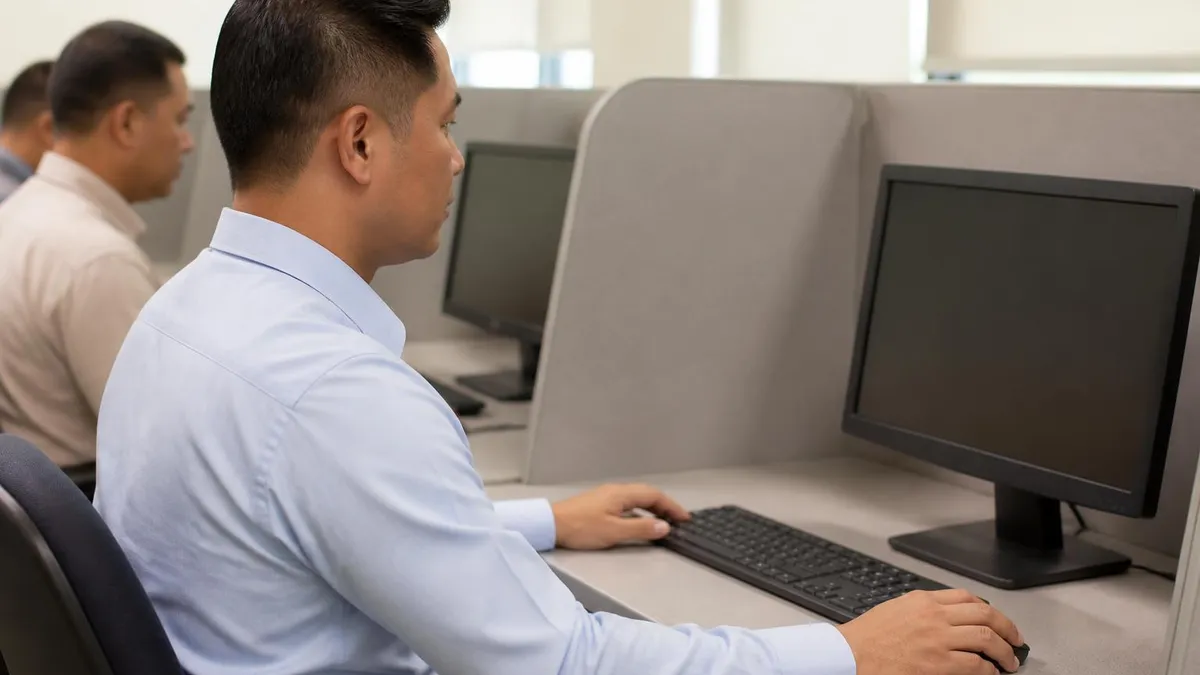
Is Computer Testing Better Than Paper for the Knowledge Exam?
- +Instant results — you know if you passed before leaving the kiosk, no waiting for clerk grading
- +Audio narration available in 20+ languages with provided headphones at no extra cost
- +Adjustable font size and high-contrast modes assist low-vision and dyslexic applicants
- +Adaptive termination ends the exam early once you pass, often in under 15 minutes total
- +Crisp high-resolution sign graphics are easier to read than faded or photocopied paper images
- +Faster retake scheduling — you can rebook your next attempt before leaving the branch in most states
- +Larger randomized question pool means fewer applicants share identical exams, reducing memorization shortcuts
- −No skip-and-return option — answers lock immediately once confirmed on the touchscreen
- −Immediate red-X feedback can shake confidence and increase anxiety mid-exam
- −Touchscreen sensitivity varies, and accidental double-taps occasionally lock the wrong answer
- −No final review screen to double-check responses before submitting the entire exam
- −Open-floor kiosk environment can be noisy, distracting, and lacks proctor supervision
- −Glare and lighting issues at some branches make screens harder to read for older applicants
- −System freezes or kiosk crashes, while rare, occasionally force candidates to restart from question one
Pre-Test Checklist Before Sitting at the Computer Kiosk
- ✓Bring two forms of identification including proof of residency and Social Security verification
- ✓Bring parental consent form signed and notarized if you are under 18 years old
- ✓Confirm appointment time and arrive at least 15 minutes early to handle paperwork
- ✓Bring the required testing fee in cash, card, or check depending on branch acceptance
- ✓Eat a light meal beforehand to avoid blood sugar dips during the 20-30 minute exam
- ✓Request audio narration at the front counter if English is not your strongest language
- ✓Test touchscreen responsiveness during the tutorial screen before starting real questions
- ✓Take a slow breath and read each question twice before tapping your answer choice
- ✓Use headphones provided by the branch rather than your own personal earbuds or phones
- ✓Notify a clerk immediately if the kiosk freezes, glitches, or registers a wrong tap
Never tap an answer until you have read all four options
The number one reason applicants fail the computer knowledge test is not lack of preparation. It is rushing. Because there is no skip-back feature, every tap is permanent. Slow down, read all four answer choices, eliminate obvious wrong ones, and only then confirm. This single habit raises first-attempt pass rates by an estimated 20 percentage points based on state agency reporting.
Scoring on the computer knowledge test is mathematically identical to paper but feels different because the running tally is often visible. As you progress, many state systems display a small score indicator showing correct and incorrect counts. When you cross the passing threshold, typically 32 correct answers out of 40, the test ends instantly with a green pass screen.
When you cross the failing threshold, meaning you have missed 9 questions and cannot mathematically recover, the test ends with a red fail screen even if you have 10 questions remaining. This is called adaptive termination and it is one of the most disorienting features of digital testing.
The math behind adaptive termination matters because it means your last few questions never actually appear on a clearly failing exam. Some applicants leave the kiosk wondering why the screen ended early, mistakenly thinking the system crashed. It did not; you simply hit the statistical wall. On the flip side, strong students who answer the first 32 correctly never see the final 8 questions and walk out with a permit in under 10 minutes total. Both outcomes are by design and reflect efficient testing science.
Retake rules under computer testing are generally more applicant-friendly. In Ohio, you can retake the knowledge exam after a 24-hour cooling-off period, paying a small re-test fee each time. In California, the rule allows three attempts within 12 months before the application expires. In Texas, the wait is typically one business day, and unlimited retakes are permitted up to 90 days from your original application. Always confirm your state's specific rule because policies tighten and loosen periodically as agencies adjust to digital testing throughput data.
Some states have introduced a tiered fail policy unique to digital testing. After two failures, you may be required to attend a brief educational session at the branch or watch a 15-minute video before your third attempt. This is intended to reduce the kiosk congestion caused by repeat under-prepared applicants. The video usually walks through the most-missed questions from your previous attempts, which is genuinely useful study material and one positive side effect of digital exam data collection that paper testing never enabled.
Pass rate statistics vary significantly by state and by applicant demographic. National averages suggest about 49% of first-time applicants pass the standard knowledge exam, with significantly higher rates, around 75%, among applicants who completed structured online practice tests in the two weeks before their appointment. Applicants who studied only the printed handbook tend to pass at 35 to 45%. Computer testing has not made the exam harder; it has simply revealed how few people actually read the handbook cover to cover before walking in.
Score reporting after the exam is more detailed in the digital era. Failed candidates typically receive a printed slip showing which content areas they missed: signs, right-of-way, alcohol laws, or general safety. This category-level feedback was rarely offered with paper tests, where you simply got a fail stamp. Use that breakdown ruthlessly. If you missed five sign questions, dedicate your next study session to signs only, not to a full handbook re-read. Targeted practice is faster and more effective than another generalist pass.
For applicants who consistently score in the 70 to 79% range, just below passing, the most effective intervention is timed mock testing rather than additional handbook reading. The challenge at that score level is rarely knowledge; it is decision speed under the touchscreen format. Three or four 40-question mock exams in a single weekend, scored honestly and reviewed item by item, typically push borderline candidates over the threshold. The point is to build comfort with the digital rhythm so the real exam feels like a familiar practice session.
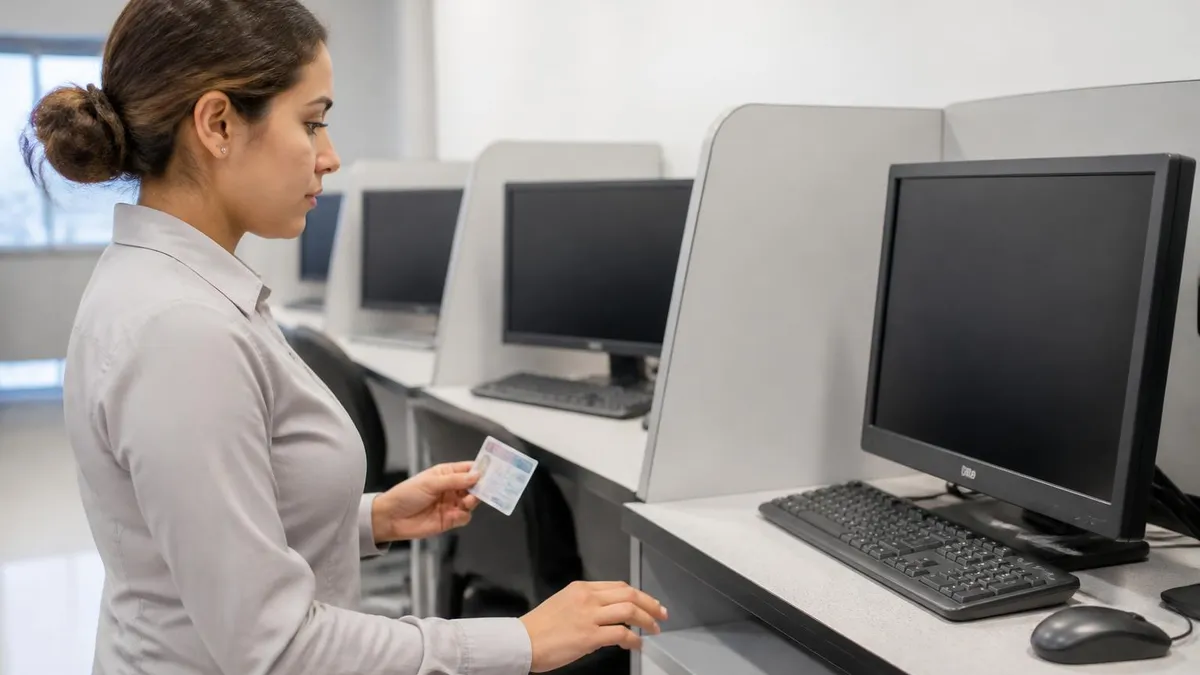
If your computer kiosk freezes mid-exam, do not tap repeatedly or attempt to restart the terminal. Raise your hand and notify the nearest clerk immediately. State systems log every session, and your previous answers can usually be restored. Tapping aggressively may register additional wrong answers once the screen unfreezes, which could push you past the failure threshold unfairly.
The most common mistakes on the computer knowledge test cluster into three groups: interface mistakes, content gaps, and time-pressure errors. Interface mistakes include accidental double-taps, confirming an answer before reading all options, and failing to scroll when a question continues below the visible fold on shorter kiosk screens. Each of these can be eliminated through deliberate slow tapping and confirming each screen before advancing. Practice tests on a smartphone or tablet help build the muscle memory for cautious touchscreen interaction.
Content gaps usually appear in three areas: right-of-way at uncontrolled intersections, blood alcohol concentration thresholds for various age groups, and following distance calculations in seconds. These three topics account for an outsized share of missed questions across all states. If you have only one hour to study before your appointment, focus on these three areas rather than the entire handbook. The return on investment for targeted study is dramatically higher than for general re-reading, and most prep apps allow filtering by category.
Time-pressure errors typically happen when an applicant sees the running clock and panics, rushing through the second half of the test. Remember that 30 minutes is more than enough for 40 questions, averaging 45 seconds each. Most strong candidates finish in 12 to 18 minutes, well under the limit. There is no bonus for finishing fast and no penalty for finishing slowly within the time cap. Treat the clock as a backup safety net rather than a competitive target you need to beat.
Another underrated mistake is choosing the wrong language at the start screen. Some kiosks default to English even when you requested Spanish at the front counter. If the first question appears in a language you did not select, stop immediately, return to the main menu, and adjust the language setting before answering. Trying to power through in a language you partially understand is a near-guaranteed fail, and the language switch is reversible at no cost if you catch it within the first question or two.
Many applicants also forget about the tutorial screen that appears before the real test begins. This is usually a three-question practice round that does not count toward your score. Use it deliberately to confirm the touchscreen is responsive, the audio is working if you requested it, and the font is large enough.
Skipping the tutorial because you are eager to start is short-sighted. Treat it as a no-cost calibration exercise and you will enter the scored portion fully comfortable with the interface. For applicants prepping for further Ohio BMV driving test stages later, this calibration habit transfers directly to the in-car portion too.
Avoid bringing distractions. Phones must be silenced or surrendered at the clerk counter in most states. Smartwatches are increasingly banned because their connectivity could allow cheating. Even if you would never use them dishonestly, an unexpected notification buzz can break concentration mid-question. Leave electronics in your bag or car. The fewer environmental variables you control for, the more focus you can devote to the actual test content on the kiosk in front of you for the full 20 to 30 minutes.
Finally, do not assume the digital test is easier just because it is faster. Many applicants walk in believing the touchscreen will somehow guide them to correct answers or that adaptive termination favors test-takers. It does not. The exam is calibrated to the same passing standard as paper, and the lack of a review screen actually makes it slightly less forgiving. Approach computer testing with the same seriousness you would bring to a traditional paper exam, and your pass rate will mirror your true preparation level.
Practical preparation for the computer knowledge test should start at least two weeks before your appointment, though strong test-takers can compress this into one focused weekend if they use the right tools. The single highest-yield activity is taking full-length timed practice exams that mimic the actual kiosk experience: 40 questions, 30 minute cap, no skip-back option, and immediate result reveal. Doing five of these mock exams across two weeks predicts your real-world performance better than any amount of handbook reading alone, by a wide statistical margin.
Read the official driver handbook once, slowly, with a highlighter. Then put it away. Re-reading it three or four times is a low-yield strategy because human memory does not respond well to passive repetition. After your first read, switch entirely to active recall through practice questions. Each missed question should trigger a brief return to the relevant handbook section, but the bulk of your time should be spent answering questions, not consuming text. This mirrors how flashcard apps and modern language learning systems work.
On the day before your appointment, take one final 40-question mock exam under realistic conditions. Sit at a desk, turn off your phone, set a 30-minute timer, and refuse to look up answers mid-test. Score yourself honestly. If you pass with 85% or higher, you are ready. If you score 80 to 84%, you are borderline and should review missed items carefully that evening. If you score below 80%, consider rescheduling your appointment rather than burning a fee on an under-prepared attempt.
The morning of the test, eat a moderate breakfast with protein and complex carbohydrates. Avoid heavy caffeine; a small amount sharpens focus, but excessive coffee triggers hand tremors that make touchscreen tapping less precise. Hydrate, but not so much that you need a bathroom break mid-exam. Wear comfortable layers because BMV branch temperatures vary widely. Arrive 20 minutes early to handle document verification without rushing into the kiosk while still flustered from finding parking and signing in.
At the front counter, clearly state any accommodations you need: audio narration, large-font display, extended time, or a quiet testing environment. Some states will move you to a back office for accommodated testing rather than the open kiosk floor. You do not need a doctor's note for audio or language settings, but documented disabilities typically require advance paperwork. Submit accommodation requests at least 48 hours before your appointment when possible to ensure the appropriate kiosk or proctor is available on test day.
If you pass, the clerk will immediately direct you to the photo and signature station to issue your learner permit, often the same hour. Bring a backup form of payment in case your card is declined for the permit issuance fee, which is separate from the testing fee in some states.
If you fail, ask the clerk for the printed category breakdown of your missed questions, then take 24 to 72 hours to study those specific areas before scheduling your retake. Do not retake the same day even if your state allows it; cognitive fatigue compounds error rates dramatically after a failed attempt.
After passing, your computer-issued temporary permit is typically valid for 30 to 60 days while the physical card arrives by mail. Use that window to begin supervised driving practice and to start prepping for the in-car road test, which is a different exam entirely with its own rules. Many of the test-taking habits you built for the digital knowledge exam, like slow tapping and careful reading, translate directly to the kind of deliberate attention you will need behind the wheel during the road skills portion of licensing.
BMV Questions and Answers
Driver Test Car Rental in Gastonia, NC: Complete BMV Road Test Vehicle Guide
Ohio BMV Driving Test: Maneuverability, Road and Pass Tips
DMV Testing Area No Cell Phones Allowed: Complete Rules Guide for Your Driving Exam
Hours of Ohio BMV: Complete Guide to Office Hours, Locations, and Visit Planning
BMV Appointment Guide: How to Schedule, Prepare, and Pass Your Visit on the First Try
About the Author
Licensed Driving Instructor & DMV Test Specialist
Penn State UniversityRobert J. Williams graduated from Penn State University with a degree in Transportation Management and has spent 20 years as a certified driving instructor and DMV examiner consultant. He has personally coached thousands of applicants through written knowledge tests, skills assessments, and commercial driver licensing programs across more than 30 states.
Join the Discussion
Connect with other students preparing for this exam. Share tips, ask questions, and get advice from people who have been there.
View discussion (5 replies)